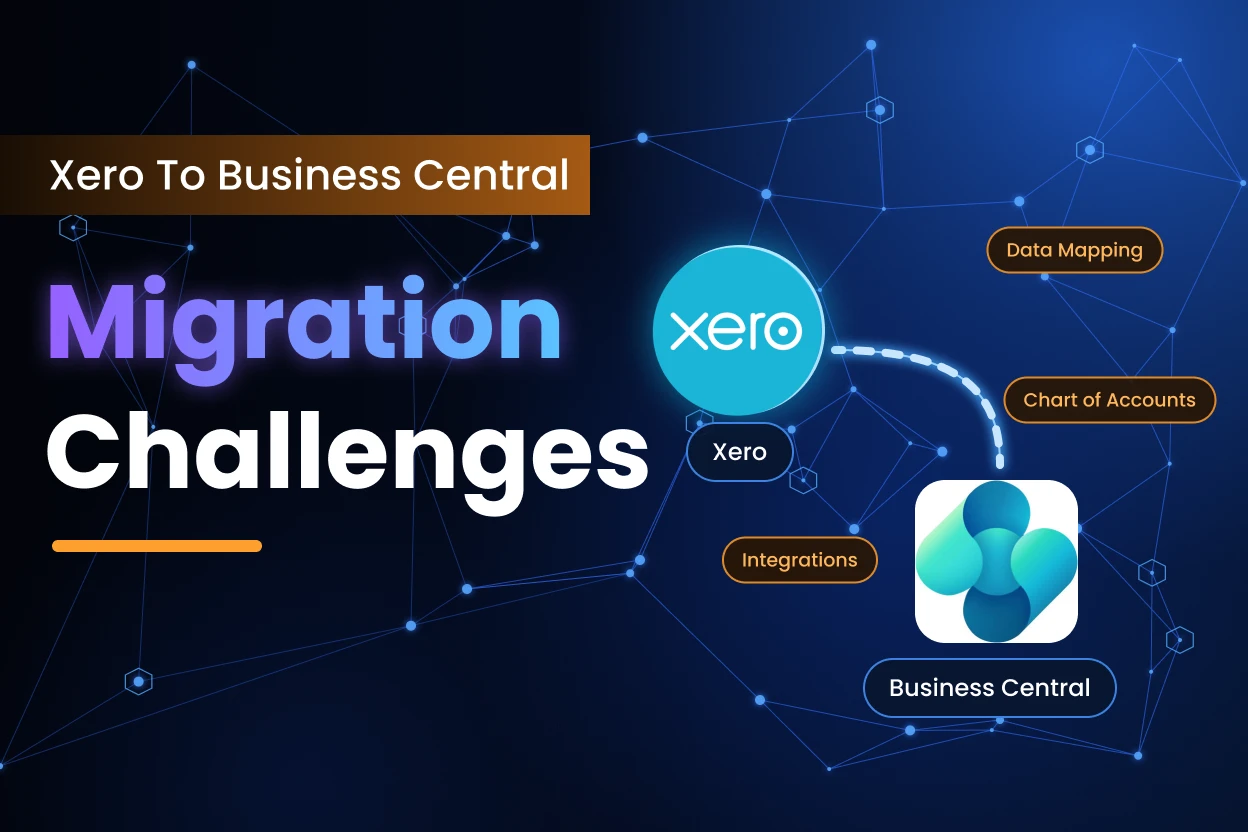
Turn Your Migration Challenges into Opportunities

Shifting from Xero to Business Central is about more than swapping one accounting tool for another. The choices you make during the move shape how reliable your reporting is, how well your controls hold up, and how smoothly the business runs as it grows. Rush those choices, and the problems you wanted to leave behind will likely show up again in the new system.
The real task isn’t moving data. It’s deciding what changes, what stays, and what Business Central should do for you from here on. That means paying close attention to your data, controls, connected systems, reporting, and the way your people will work once the system is live.
For leadership, the question is bigger than, “Can we move the data?” It is, “Once we move, can finance trust the numbers, maintain control, and support the business as it grows?”
This is also where the right Xero to Business Central migration partner can make a difference, helping ensure the transition accounts for your financial processes, data, integrations, and broader business requirements.
Across the migrations we’ve delivered, we’ve seen where projects most often run into difficulty. These ten challenges highlight what can go wrong and how to prevent it from happening.
1. Aligning the Migration with Business Requirements
Picture a business that started on Xero when it had one office and a small team. Today it runs several entities. Finance is under pressure to produce consolidated reports, view costs by department, and put tighter approvals on larger purchases.
The usual mistake is to start with “How do we move everything out of Xero?” Once that question sets up the agenda, the team tends to rebuild the old setup inside Business Central, one familiar report at a time.
The migration can finish on schedule and still leave the business with the same limits that prompted the change. A better starting point is how finance needs to work from here. Where does reporting fall short today? Which approvals need more control? What has to work the same way across every entity? The answers should decide what moves, how accounts get mapped, and how Business Central gets configured.
What this looks like in practice:
As smart-lighting company Nanoleaf expanded to more than 200 retailers worldwide, it needed to consolidate multiple software programs into a single solution. Its finance team had been working with three different systems built around regional compliance and reporting requirements. After implementing Business Central to improve control across finance and supply-chain operations, the company reported a 33% productivity improvement in its supply-chain activities. The example shows why an ERP implementation should be designed around where the business is going, rather than simply recreating the systems it has outgrown.
2. Improving Data Quality Before Migration
The first real question in any migration is which data is reliable enough to bring across. Migrations have a way of exposing problems nobody noticed before. You find the same customer under three slightly different names. A supplier who stopped trading two years ago is still sitting in the vendor list. Fields are left blank. Some accounts haven’t been touched since the last reorganisation.
Treating the move as a straight copy is a mistake. Weak records don’t improve because they’ve landed in a better system. Carried over untouched, they keep slowing down reporting, reconciliations, and everyday financial decisions.
PwC’s March 2026 CFO Compass survey, which covered more than 230 finance leaders in South-Eastern Europe, found that 54% said their organisations still lacked standardised accounting data across the group. That research isn’t specific to Xero or Business Central. Still, the lesson applies: standardise before you migrate, not after.
So, clean up duplicates, standardise records, check the information that actually matters, and archive anything that doesn’t belong in daily finance work. Do all of that before the data reaches Business Central.
3. Designing a Chart of Accounts for Future Reporting
A chart of accounts does more than organise where transactions are recorded. It shapes how leadership reads performance, how finance keeps control, and how quickly anyone can make sense of the numbers.
The common mistake is copying every Xero account into Business Central without asking whether the structure still fits the business. That’s how redundant accounts, inconsistent classifications, and reporting gaps end up in the new system. They were built for an earlier stage of the company, and nobody questioned them.
Before any mapping starts, decide what the new chart needs to make possible. You might need clearer entity-level reporting, better departmental analysis, tighter controls, or a structure that can grow with the business. Once the draft mapping is ready, have people who understand both the current data and the financial results you expect from Business Central review it.
4. Defining the Right Scope for Historical Data
How much history do your users actually need inside Business Central? More history doesn’t make a migration better. Moving years of transaction-level detail adds work and complexity, and it rarely improves day-to-day decisions.
The mistake is assuming every historical transaction has to enter the live ERP. Some records do need to stay reachable for audit, regulatory, or reporting reasons. But reachable doesn’t mean it has to live inside Business Central.
Separate real business need from habit. Decide what has to be available immediately, what can sit in a secure archive, and what can be left behind. A tighter scope makes the migration easier to manage, and you still keep access to the history that matters.
5. Configuring Finance Beyond Transaction Data
Loading transactions is only one part of building a dependable finance environment. Posting setup, dimensions, currencies, tax configuration, payment terms, and number series all shape what happens after go-live.
The common mistake is focusing on the import and giving the configuration a quick glance. Data can load cleanly while reports, classifications, approval paths, or controls still fall short of what finance needs.
Test the configuration on its own terms. Don’t stop at confirming that a transaction processes. Check that it posts to the right account, follows the right approval path, lands under the intended classification, and produces the report finance expects.
What this looks like in practice:
Indian B2B marketplace Solv faced a growing control problem as its transaction volumes increased. Its previous accounting software lacked adequate checks, which made records more vulnerable to errors and made audits difficult. After implementing Business Central, the company introduced stronger transaction controls and approval processes. Microsoft reports that the change reduced manual work by 40 hours per month and improved recording accuracy by 98%. The experience shows why approvals, auditability, and transaction controls matter just as much as transferring the underlying financial data.
6. Managing Systems and Processes Connected to Xero
Xero rarely works alone. Payroll, banking, e-commerce, expense tools, CRM, and reporting platforms often feed it or depend on it. The challenge is understanding how replacing the accounting platform will ripple outward. The usual mistake is focusing on the ERP alone. Business Central can work perfectly while a connected process quietly stops, sends incomplete data, or starts needing manual fixes every week.
Map these connections early. For each one, decide whether to retain, replace, redesign, or retire it. Doing this before the move shows the real scope of the project and cuts down on surprises at cutover.
7. Testing the Migration Before Final Cutover
A migration plan has to hold up against real data and real finance processes. It can’t just look good on paper. That’s why the first migration should be treated as a rehearsal, not the final event.
The mistake is assuming a clean first transfer proves the business is ready to switch. A trial run can reveal mapping errors, missing records, unexpected formats, and configuration gaps. It also shows whether your planned cutover, validation, and reconciliation steps are realistic.
Use data that reflects what’s live today. Write down every exception, fix the root cause, and run the exercise again if needed. The goal isn’t only to show that records can be transferred. It’s to show that the business can change systems without losing control of critical finance work.
What this looks like in practice:
When animal-health company Vaxxinova replaced an in-house ERP that could no longer support its operations and expansion, it approached the Business Central implementation through detailed planning. Working with its implementation partner, the company established specific stages covering migration, training, and implementation. Following the move, the company achieved complete production-batch traceability and reduced the time required to consolidate financial reporting by 90%. Its experience reinforces the value of managing planning, migration, process design, and training as connected parts of the same programme.
8. Reconciling Financial Positions Before Sign-Off
One of the most important questions is whether the financial information in the new system can be trusted. An “import completed” message tells you the software finished running. It says nothing about whether the numbers are right.
The common mistake is declaring success before the agreed financial positions have been reconciled. Depending on the business, that can cover the general ledger, bank balances, receivables and payables, inventory, and opening balances.
Every difference needs an explanation, a record, and a fix. If Xero and Business Central tell different financial stories, the import may be complete, but the migration isn’t finished.
9. Preparing Users for New Processes and Controls
Even a technically sound migration can stall if people aren’t ready for how their work will change. Business Central isn’t Xero with the buttons moved around, and training shouldn’t pretend it is.
The common mistake is leaving training until the week before go-live, or giving everyone the same feature tour. Accounts payable clerks, controllers, business managers, and approvers all use finance differently. Their preparation should match the processes, controls, and responsibilities they’ll actually handle.
Build sessions around realistic scenarios instead of a walkthrough of menus. Give people time to practise the work they’ll do after launch. That’s how they come to understand the new controls, and it keeps momentum from dropping once the system is live.
10. Stabilising and Improving the System After Go-Live
Go-live is a big milestone, but it isn’t the finish line. Once people start working in the system under real conditions, problems appear that testing couldn’t fully reproduce.
The mistake is treating launch day as the point where the project team walks away. A report might need adjusting. A workflow that looked sensible on paper might include a step nobody needs. An integration might behave differently at normal business volumes.
Plan for stabilisation from the start. Decide how issues get prioritised, how finance will keep checking accuracy, and how user feedback will feed into improvements. Done well, go-live becomes the start of a better way of working rather than the end of project support.
A More Practical Approach to Xero to Business Central Migration
A disciplined migration tends to follow this path: The order matters. Clean data won’t rescue a weak financial structure, and good configuration won’t make up for poor reconciliation. Even a sound build can struggle if people don’t understand the processes and controls they’re expected to follow.
When data, finance, technology, and adoption are managed as one connected piece of business change, the migration becomes far more manageable. They shouldn’t be run as four separate technical tasks.
Leadership takeaway
A strong migration plan keeps the business outcome in sight. The aim is more dependable reporting, better control, less disruption, and a finance environment that can keep pace as the business grows.
How Intelegain Can Help
A move from Xero is also a chance to ask a bigger question. Once the old limits are gone, how should the business actually work?
At Intelegain, we treat a Business Central migration as one connected business change. That covers data mapping, financial configuration, integrations, testing, validation, and getting users ready. We don’t want to rebuild Xero inside a different platform. We want to help you end up with a finance setup that’s easier to control, gives leaders more confidence in their numbers, and is ready for the next stage of growth.


FAQs
Not automatically. Decide what users need for daily work, what must remain accessible for reporting, audit, or regulatory purposes, and what can be retained in an archive. The right scope depends on the organisation’s operational and compliance requirements.
Review business requirements, data quality, the chart of accounts, historical-data needs, integrations, financial configuration, reporting expectations, reconciliation criteria, cutover readiness, and user training. These areas should be planned together rather than treated as independent tasks.
There is rarely one isolated risk. Problems usually arise when data, configuration, integrations, testing, reconciliation, and user adoption are managed separately. A technically completed migration can still fall short if finance cannot trust the numbers or teams cannot operate the new processes confidently.
CFOs can reduce risk by defining the required reporting and control outcomes early, assigning clear ownership for data and reconciliation, and requiring evidence from trial migrations before cutover. Executive attention should stay focused on financial reliability and business continuity, not only whether the import runs successfully.
Training should begin before go-live and use role-based business scenarios. Finance, operational teams, and approvers need to understand the workflows and controls they will use, with additional support planned for the first weeks of live operation.


Turn Your Migration Challenges into Opportunities